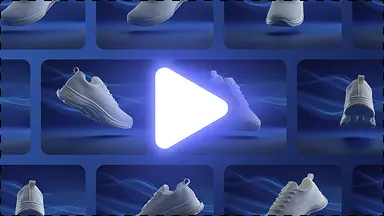
Clean product cutout
Detect the product subject, remove the original background, and keep transparent edges clean enough for ecommerce export.
Clean product cutouts
Remove backgrounds from product photos instantly with AI edge detection. Get clean, transparent PNG cutout files for ecommerce listings, packaging, and catalogs with zero edge artifacts.
Better workflow
Background removal is a required entry point, but KuvStudio should convert it into a full ecommerce workflow.
Detect the product subject, remove the original background, and keep transparent edges clean enough for ecommerce export.

After the cutout, guide users toward white background, product backgrounds, feature sets, and platform ratios.

Show a low-resolution preview so users understand the mask quality before committing to high-resolution export.
Try it yourself
Accept common ecommerce photo formats.
Create a transparent cutout with visible edge quality.
Export transparent PNG or generate a white/studio/lifestyle image set.
A complete solution
Move from this focused task into the adjacent KuvStudio tools that complete the product-image journey.
Generate 3D invisible ghost mannequin apparel photos without expensive neck-joint editing. Turn flat lays and hanger shots of shirts, hoodies, and jackets into 3D catalog packshots.
Upgrade thrift, vintage, and streetwear Depop photos. Turn messy bedroom floor snapshots into clean aesthetic flat lays and transparent cutouts that sell 3x faster.
Transform product snapshots into compliant pure white background (#FFFFFF) catalog photos. Meets 100% of Amazon, eBay, and Google Shopping requirements with natural contact shadows.
Generate clean studio and lifestyle backgrounds around your product while keeping the product itself accurate.
Clean product cutouts
Explore