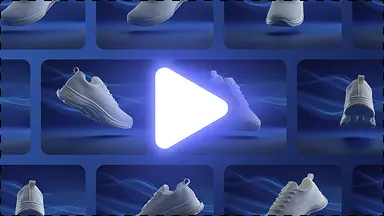
Product-page image sets
Generate a primary product image plus secondary lifestyle and feature visuals.
Shopify workflow
Create consistent, high-converting Shopify product photo sets in seconds. Generate clean white backgrounds, contextual lifestyle scenes, and standard 1:1 and 4:5 ratios optimized for fast page load and maximum conversions.
Better workflow
Shopify pages should emphasize clean product pages, campaign visuals, and reusable assets.
Generate a primary product image plus secondary lifestyle and feature visuals.

Reuse clean studio scenes so products feel like one brand.

Export square, portrait, and wider campaign ratios from the same product image.
Try it yourself
Start from one raw product photo.
Apply Shopify-friendly ratios and image-set structure.
Download images for product pages, landing pages, and ads.
A complete solution
Move from this focused task into the adjacent KuvStudio tools that complete the product-image journey.
Generate luxury skincare and cosmetics product photos without expensive studio props. Create marble pedestals, water ripple scenes, and clean packshots for dropper bottles, jars, and serums.
Take product photos with your iPhone or Android phone and turn them into studio-grade catalog images. Fix harsh lighting, erase messy rooms, and generate 4K ecommerce assets.
Generate 3D invisible ghost mannequin apparel photos without expensive neck-joint editing. Turn flat lays and hanger shots of shirts, hoodies, and jackets into 3D catalog packshots.
Transform product snapshots into compliant pure white background (#FFFFFF) catalog photos. Meets 100% of Amazon, eBay, and Google Shopping requirements with natural contact shadows.
Shopify workflow
Explore