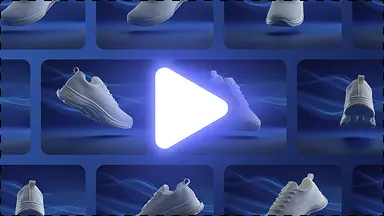
Correct amateur lighting & harsh shadows
Replaces uneven indoor ceiling lighting with balanced softbox illumination, gentle rim lighting, and realistic depth.
DIY smartphone workflow
Take product photos with your iPhone or Android phone and turn them into studio-grade catalog images. Fix harsh lighting, erase messy rooms, and generate 4K ecommerce assets.
Better workflow
No DSLR, expensive light boxes, or photography degree required. Turn raw smartphone snapshots into commercial-grade catalog images.
Replaces uneven indoor ceiling lighting with balanced softbox illumination, gentle rim lighting, and realistic depth.

Precision neural masking handles phone camera blur, depth-of-field artifacts, and complex outlines.

Enhance textures, clarity, and fine packaging details into listing-ready 4K resolution suitable for desktop zoom.
Smartphone-to-Studio Photography Guide
You do not need a $3,000 full-frame DSLR camera or complicated studio strobes to produce commercial-grade ecommerce packshots. Modern smartphone sensors capture ample raw detail when you avoid basic optical traps and pair your shots with an AI studio lighting pipeline.
The most widespread mistake in smartphone product photography is shooting with the default 1x wide lens close to the object. A standard phone 1x camera has an equivalent focal length of 24mm to 28mm, which introduces severe barrel distortion: cylinder bottles look bowed, boxes appear trapezoidal, and proportions look amateurish. By stepping back 4 to 6 feet and switching to your phone's 2x or 3x optical telephoto lens (approx. 50mm–77mm equivalent), you eliminate optical warping and capture true commercial proportions.
Amateur indoor photography often suffers from mixed ambient light—warm ceiling bulbs conflicting with cool window light—creating muddy colors and harsh specular hotspots. Instead of buying expensive lightboxes, place your product perpendicular to a window during overcast daylight. Use a simple white foam board on the opposite side to bounce gentle fill light into shadow areas, creating a clean, balanced exposure for the sensor.
KuvStudio bridges the gap between raw mobile capture and commercial catalog output. Once uploaded, our neural pipeline separates the product from any domestic background, reconstructs true 3D surface depth, applies studio-grade softbox lighting contours, and upscales resolution up to 4K. The resulting asset is ready for Shopify hero banners, Amazon main images, or Instagram advertising.
Workflow example
Bypass harsh ceiling bulbs and room clutter by turning raw mobile captures into balanced commercial packshots.

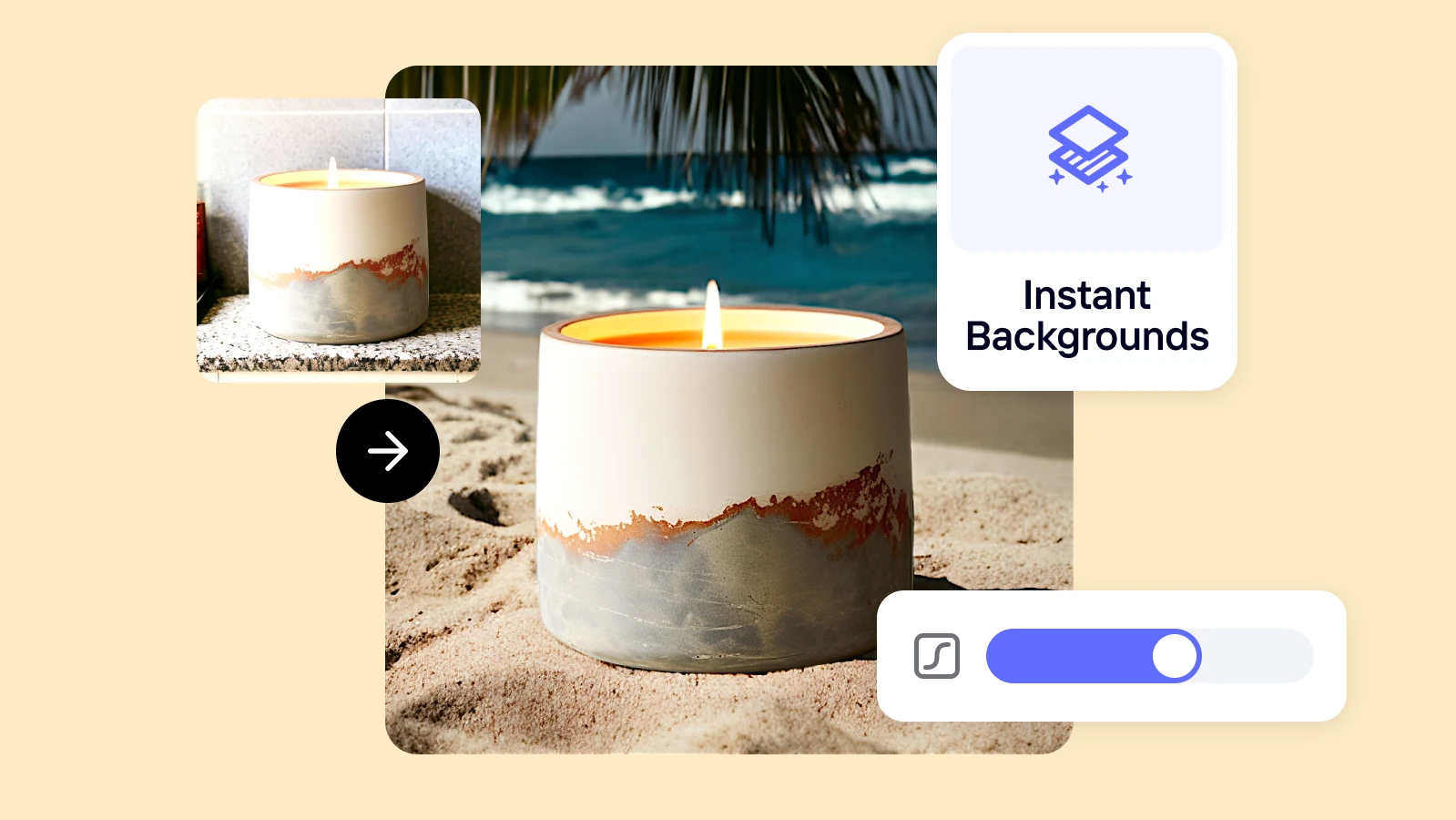
Try it yourself
Place your product near a window and take a simple photo.
Choose pure white marketplace, clean tabletop, or lifestyle room context.
Download a full package of square, vertical, and close-up images in seconds.
A complete solution
Move from this focused task into the adjacent KuvStudio tools that complete the product-image journey.
Turn raw product photos into 4K commercial studio packshots, clean white backgrounds, and lifestyle scenes online. Free instant preview for Shopify, Amazon & Etsy.
Transform product snapshots into compliant pure white background (#FFFFFF) catalog photos. Meets 100% of Amazon, eBay, and Google Shopping requirements with natural contact shadows.
Generate luxury skincare and cosmetics product photos without expensive studio props. Create marble pedestals, water ripple scenes, and clean packshots for dropper bottles, jars, and serums.
Upgrade thrift, vintage, and streetwear Depop photos. Turn messy bedroom floor snapshots into clean aesthetic flat lays and transparent cutouts that sell 3x faster.
DIY smartphone workflow
Explore