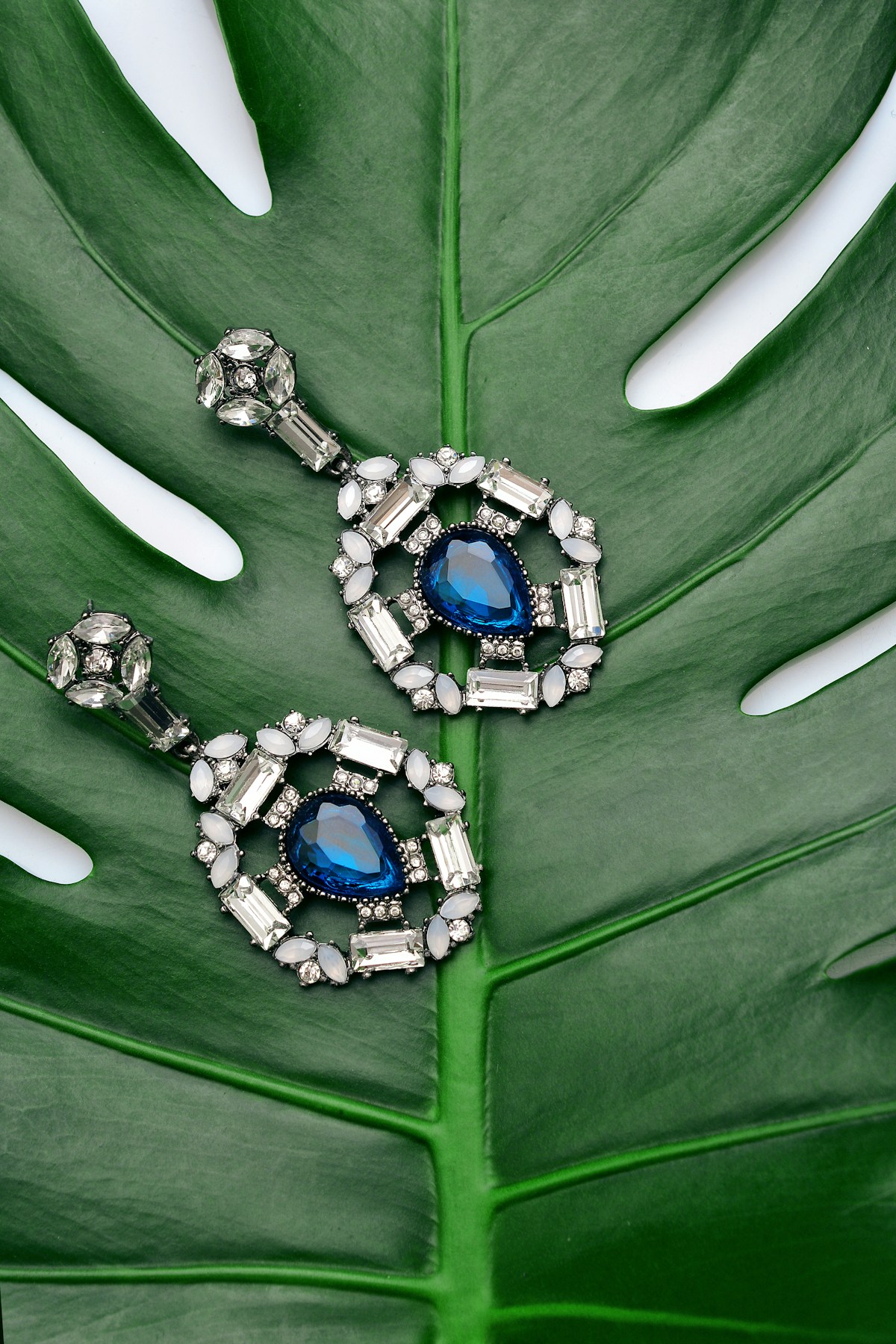
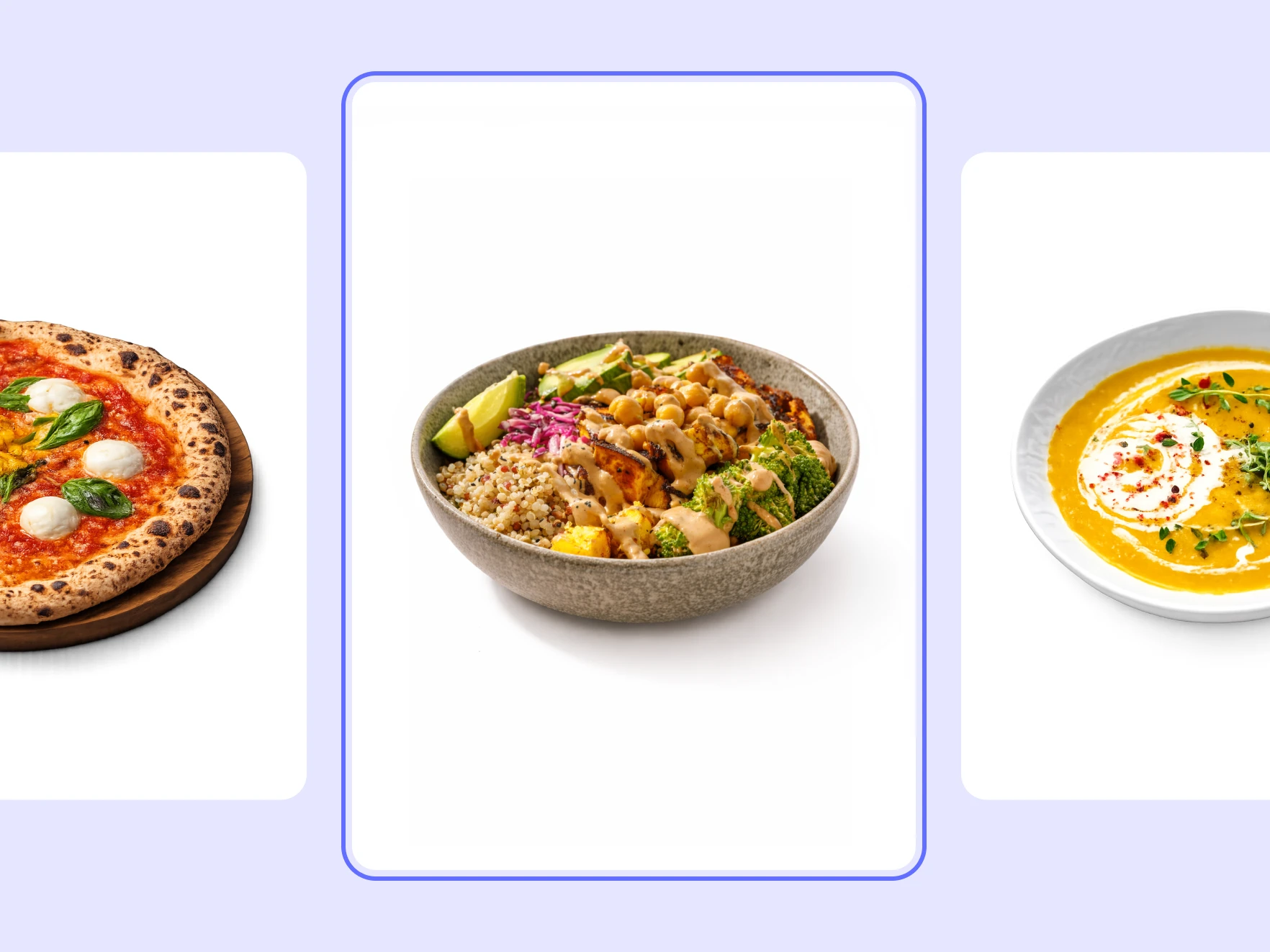
One source photo, multiple ecommerce images
Generate marketplace white shots, clean studio shots, lifestyle scenes, and feature image sets from the same upload.
Online product photoshoot maker
Turn raw product photos into 4K commercial studio packshots, clean white backgrounds, and lifestyle scenes online. Free instant preview for Shopify, Amazon & Etsy.
Better workflow
Start with one source photo and turn it into a complete, channel-ready product image set.
Generate marketplace white shots, clean studio shots, lifestyle scenes, and feature image sets from the same upload.

Choose Shopify, Amazon, Etsy, TikTok Shop, or social ads so the product can preselect ratios and visual rules.

The workflow should preserve packaging, shape, color, material, and visible product details while changing the surrounding scene.
Try it yourself
Add a JPG, PNG, or WebP product photo.
Pick white background, studio, lifestyle, or feature set.
Download channel-ready images and save them to the project asset library.
A complete solution
Move from generation into the adjacent preparation, editing, resizing, and product-video tools that are available in KuvStudio.
Create a transparent product cutout before preparing marketplace, studio, or lifestyle outputs.
Place an approved product image into clean studio and lifestyle scene directions.
Prepare focused product images for marketplace main-image and catalog workflows.
Continue from generation into the focused product-photo editing workflow.
Prepare approved images for marketplace, storefront, and social-commerce dimensions.
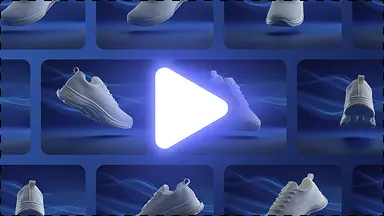
Use an approved product image as the starting point for a short product-video workflow.
Product image generator
Explore