
Shape the light before styling
Use soft side light and a controlled bounce to reveal texture without flattening sauces, grains, packaging, or natural color.
Food product workflow
Create food product photography for packaging, menus, delivery listings, and ecommerce campaigns from a small set of source photos.
Better workflow
Build a useful food image set from one approved dish or package, then adapt it for listings, menus, delivery pages, and campaigns.
Use soft side light and a controlled bounce to reveal texture without flattening sauces, grains, packaging, or natural color.

Keep packaging text, portions, ingredients, and recognizable product details stable while changing the surrounding scene.

Create a clean listing image, a tabletop or lifestyle direction, and channel-ready crops from the same approved source.
Food product photography guide
Food product photography has to create appetite without hiding what the customer will actually receive. The strongest image sets start with one accurate source photo, then add context only where it helps a shopper understand the portion, packaging, texture, or serving idea.
Start with a clean, front-facing source image and a simple surface. Side light is usually more useful than a flat overhead light because it reveals the texture of bread, sauces, grains, and packaging without washing out the color. Keep a white card or soft bounce on the shadow side so the dark areas still hold detail. For packaged food, photograph the front panel straight enough that the name and important label information remain legible.
Backgrounds should support the product rather than compete with it. A neutral studio scene works for a main listing image; a restrained tabletop scene can show scale and serving context; a lifestyle direction can suggest breakfast, lunch, gifting, or pantry use. If the food is hot, shoot the real steam and texture before asking AI to extend the setting. That keeps the result believable and gives the generated scene a reliable visual anchor.
KuvStudio turns that source into a small, reviewable set: a clean product image, one or two scene variations, and the square or portrait exports each channel needs. Review every result for label accuracy, ingredient appearance, portion size, and color before publishing. AI can speed up the production work, but the seller still owns the final quality check and any marketplace or advertising requirements.
Workflow example
Start with a clear food subject, then explore a controlled scene direction without losing the product-first reference.
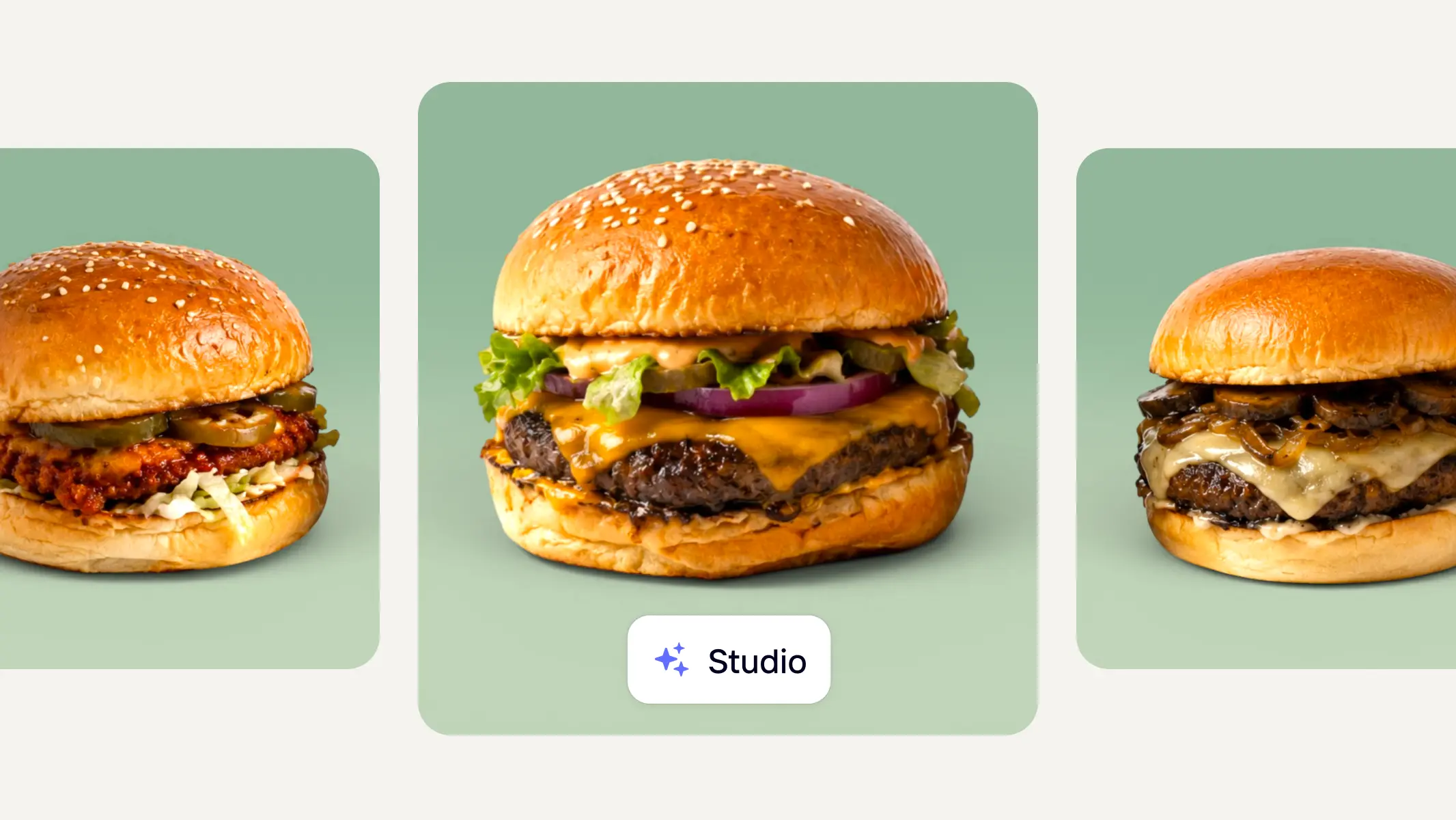
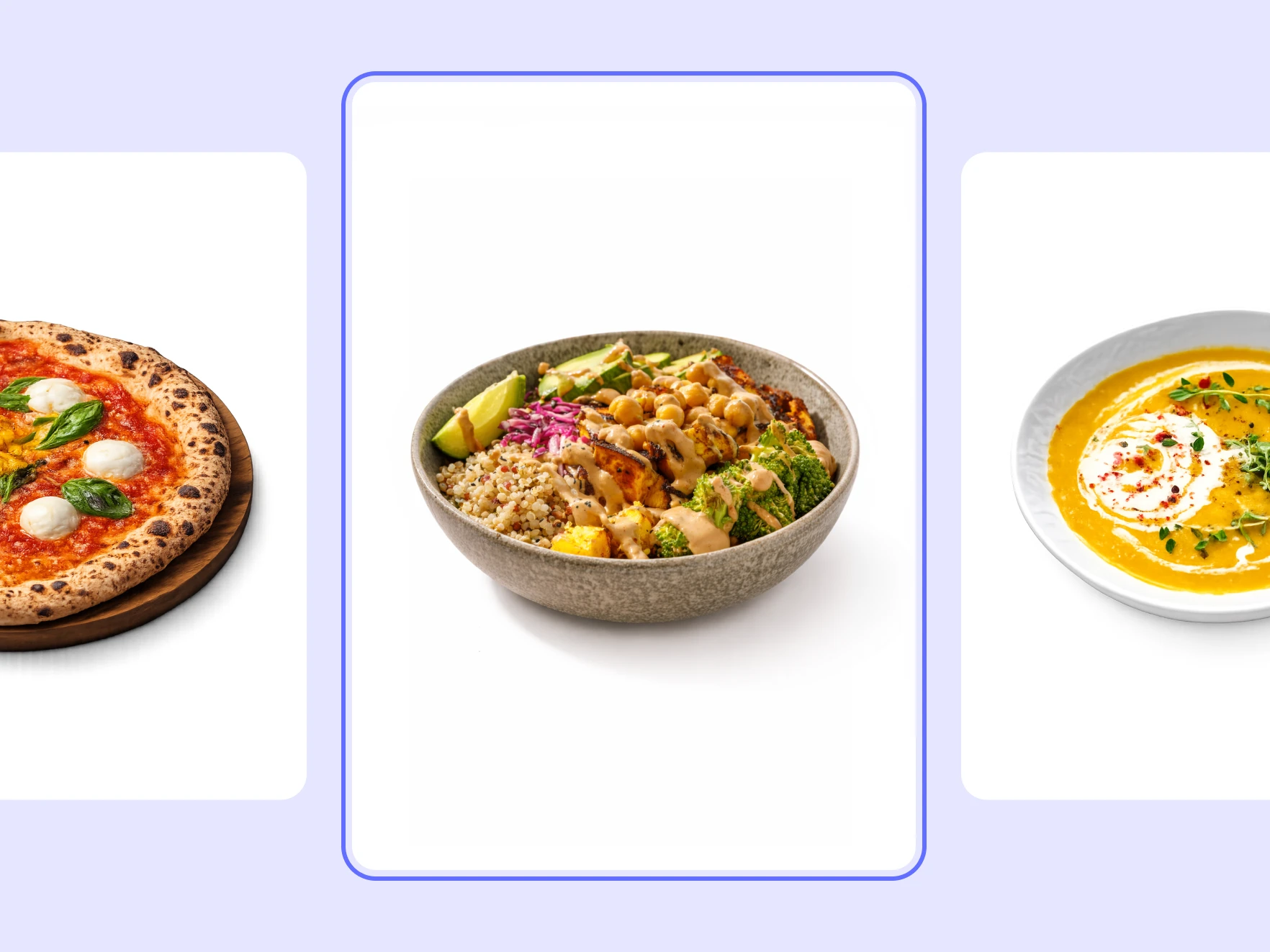
Try it yourself
Start with a clear package, dish, or product image where the shape and important details are visible.
Select a clean studio, tabletop, menu, delivery, or lifestyle direction that matches the channel.
Check the product, label, color, and crop before saving the strongest images and exporting the required sizes.
A complete solution
Move from this focused task into the adjacent KuvStudio tools that complete the product-image journey.
Turn raw product photos into 4K commercial studio packshots, clean white backgrounds, and lifestyle scenes online. Free instant preview for Shopify, Amazon & Etsy.
Generate clean studio and lifestyle backgrounds around your product while keeping the product itself accurate.
Turn one product photo into campaign-ready product images for paid social, landing pages, launches, and ecommerce marketing tests.
Food product workflow
Explore





