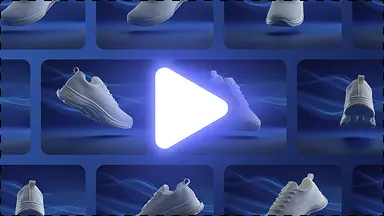
Product-first apparel images
Start with a source photo that shows the garment shape, material, color, and important details.
Apparel product workflow
Create clean clothing and apparel product images, backgrounds, and listing-ready variations from source product photos.
Better workflow
Keep the garment visible and accurate while creating clean catalog, studio, and lifestyle directions from a source photo.
Start with a source photo that shows the garment shape, material, color, and important details.

Create clean product scenes without promising an AI fashion-model or on-model workflow.

Save the strongest clothing images and export the ratios needed for listings, collections, and social commerce.
Try it yourself
Use a clear source image with the garment fully visible.
Select clean studio, catalog, lifestyle, or campaign context.
Keep product fidelity as the quality gate before preparing channel sizes.
A complete solution
Move from this focused task into the adjacent KuvStudio tools that complete the product-image journey.
Generate 3D invisible ghost mannequin apparel photos without expensive neck-joint editing. Turn flat lays and hanger shots of shirts, hoodies, and jackets into 3D catalog packshots.
Upgrade thrift, vintage, and streetwear Depop photos. Turn messy bedroom floor snapshots into clean aesthetic flat lays and transparent cutouts that sell 3x faster.
Turn raw product photos into 4K commercial studio packshots, clean white backgrounds, and lifestyle scenes online. Free instant preview for Shopify, Amazon & Etsy.
Generate clean studio and lifestyle backgrounds around your product while keeping the product itself accurate.
Apparel product workflow
Explore